Free Build
Free
For makers who want to build, test, and validate the setup
Printable files, firmware, and free app access to connect, test movement, and preview that your build works.
Start Free on MakerWorldFor 3D-printing makers and small online sellers
Print the parts, flash the firmware, and use the free Roveltia app to test movement and prove your build works. Then unlock Capture for clean, repeatable 360s and product photos for your listings.
Pricing
Start free on MakerWorld, then unlock Capture in the app when you want clean, repeatable product-photo workflows.
Free
For makers who want to build, test, and validate the setup
Printable files, firmware, and free app access to connect, test movement, and preview that your build works.
Start Free on MakerWorld€24.99 in app
For makers and small sellers who want listing-ready product photos
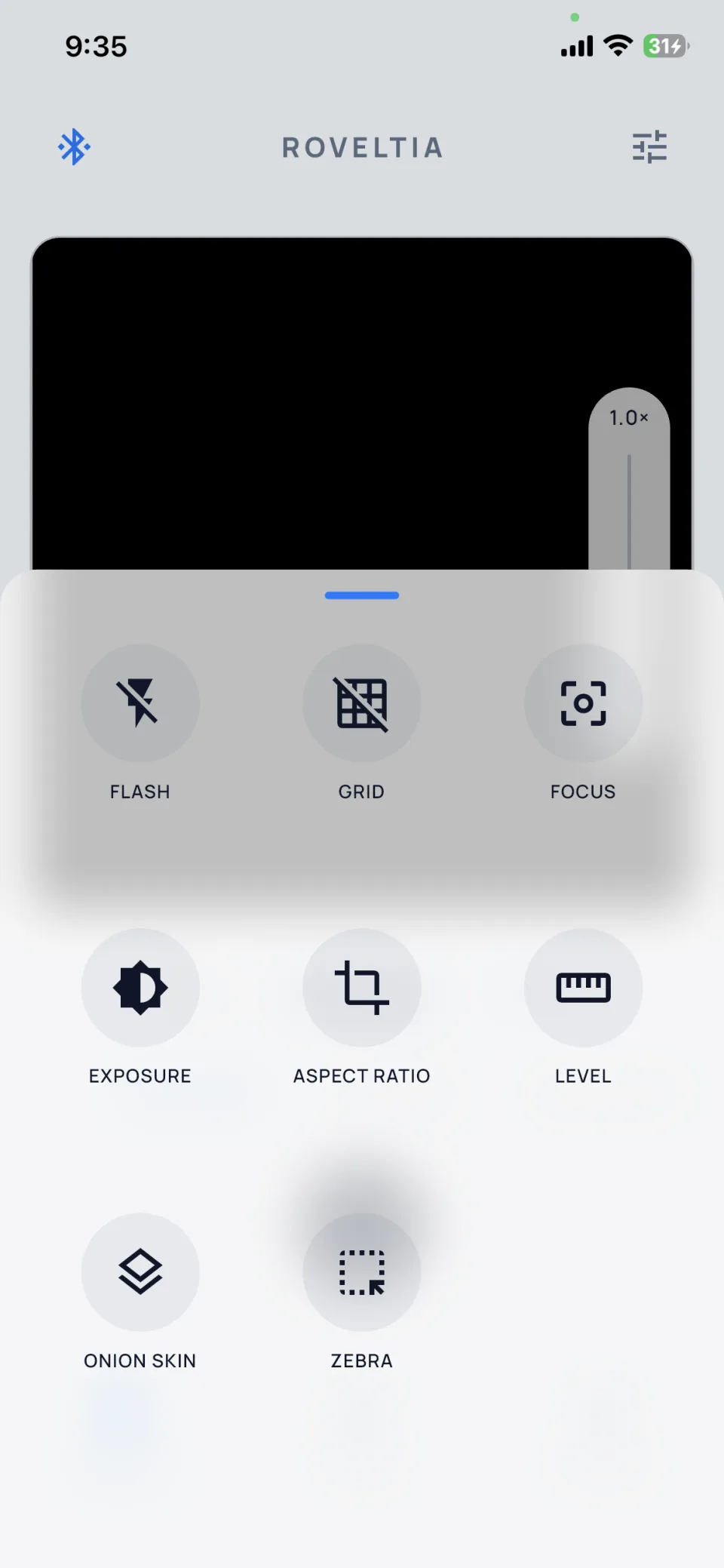
Unlocked via in-app purchase. Enables clean exports, repeatable 360 workflows, hands-free video, presets, and workflow controls.
Unlock in App€129
For ESP32 and firmware tinkerers
Full C++ firmware source for the Roveltia ESP32 stack.
Get Developer · €129Compare
Feature breakdown by tier.
Swipe horizontally to compare tiers.
| Free Build | Roveltia Capture | Roveltia Developer | |
|---|---|---|---|
| Printable files | ✓ | ✓ | - |
| Ready-to-flash firmware | ✓ | ✓ | - |
| Connect and test the build | ✓ | ✓ | - |
| Manual Bluetooth control | ✓ | ✓ | - |
| 360 workflow preview | Limited | ✓ | - |
| Clean 360 exports | Limited | ✓ | - |
| Clean product shots | Limited | ✓ | - |
| 360° video auto-stop | - | ✓ | - |
| Home / set zero | - | ✓ | - |
| Settle delay / auto return | - | ✓ | - |
| Presets / workflow controls | - | ✓ | - |
| Acceleration profiles | - | ✓ | - |
| Firmware source code | - | - | ✓ |
Companion app
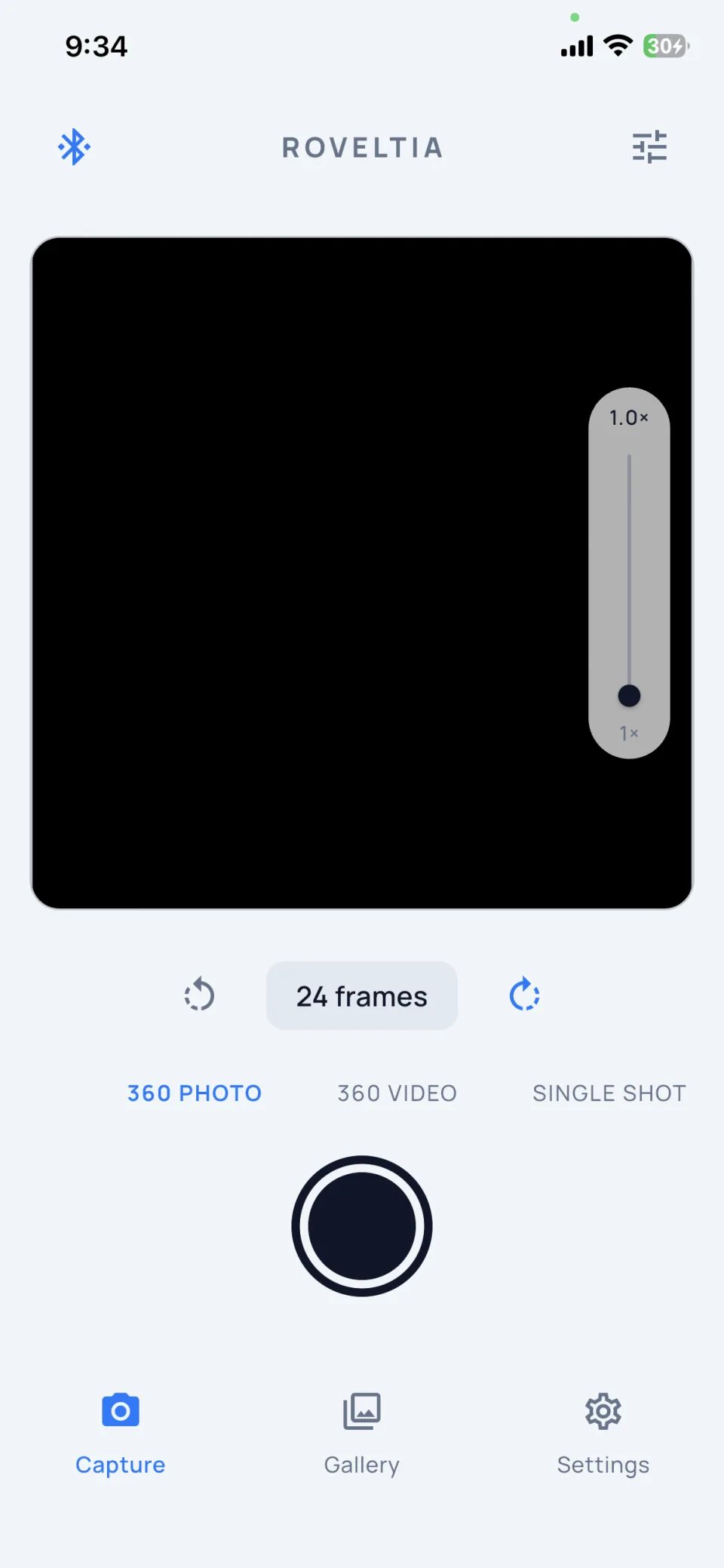
Built and tested, with Android and iOS store listings being prepared.
Capture workflow
Print it, flash it, connect, and shoot.
Print the parts, build the turntable, and flash the firmware
Connect the free companion app over Bluetooth
Use the free controls and preview flow to verify your build, then unlock Capture in the app for clean, repeatable shooting
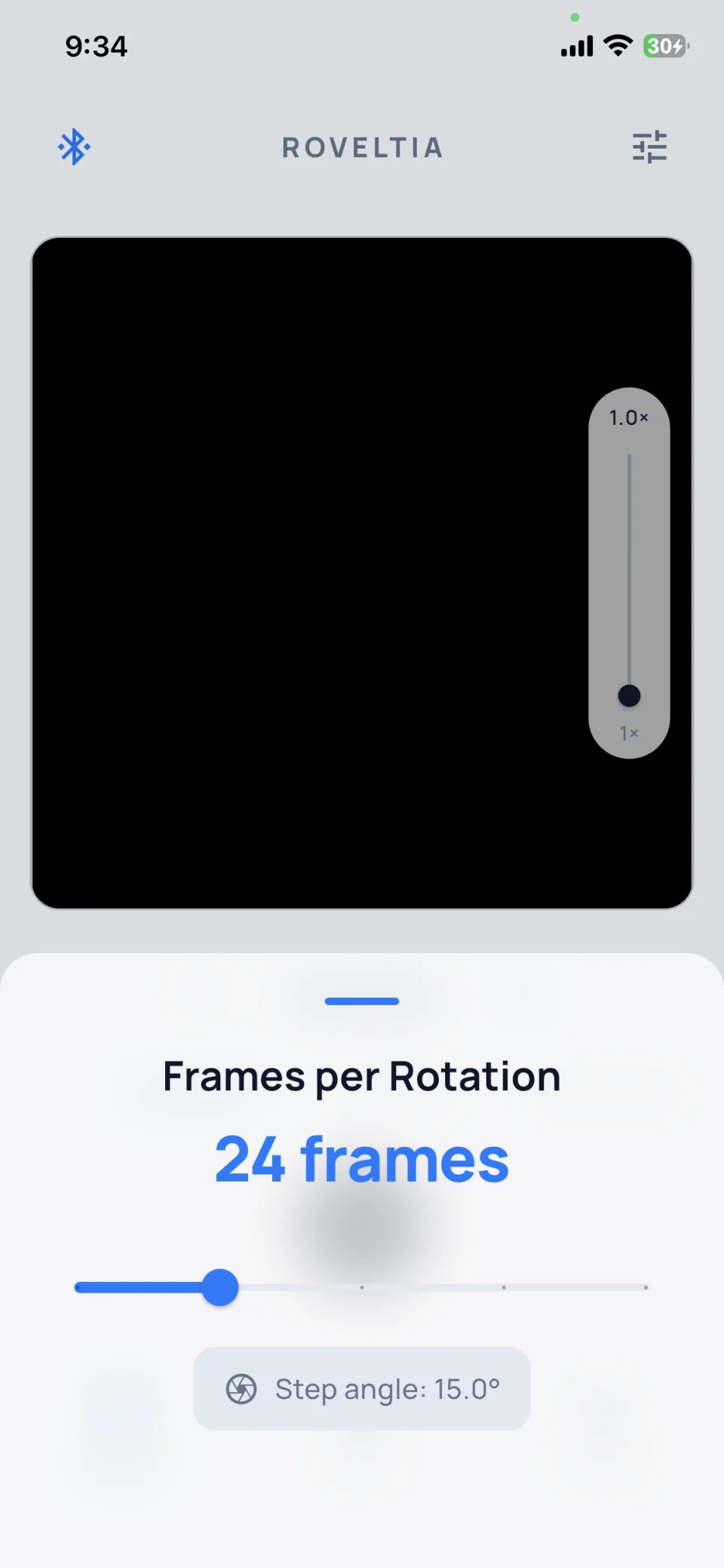
Choose your mode and set frames, RPM, and settle delay
Run the sequence and export consistent photos or video for your listings
Build requirements
You print the parts and source the electronics. Roveltia provides the files and firmware.
Desktop FDM, ~180 × 180 mm bed
ESP32, stepper motor, and driver, sourced from the BOM
Basic wiring, threaded inserts, firmware flash
Comfortable with 3D printing and DIY electronics
Bluetooth LE from your phone, no cloud
FAQ
Build, firmware, and checkout.
The build files are free so you can print, assemble, and verify the setup. Capture is optional and pays for the workflow layer inside the app: clean exports, repeatable captures, and less manual work.
Cheap display turntables usually spin continuously. Roveltia is built for repeatable product-photo workflows: indexed frame capture, step movement, settle delay, auto return, presets, and Bluetooth control.
Start by building the free hardware. If you want automated product photos, unlock Capture via the companion app. Developer is for ESP32 firmware work.
Capture (€24.99) is an in-app purchase in the Roveltia app. Roveltia Developer (€129) is sold on this website through Lemon Squeezy. They are separate purchases.
Check your Lemon Squeezy receipt email for download links and delivery instructions. Keep that email for future access.
The free download includes the printable files, firmware, and free app support for connecting, testing movement, manual control, and previewing that your setup works.
Capture is the in-app workflow unlock. It enables clean exports, repeatable 360 photo workflows, hands-free 360 video, presets, and workflow controls for faster, more consistent listing media.
Capture can produce indexed still sequences, GIF/WebP exports, single-shot stepped photos, and 360° showcase video.
Not yet through public app stores. The companion app is built and tested, with Android and iOS listings being prepared. Free use covers connection, manual control, movement testing, and previewing that your build works. Capture unlocks the clean, repeatable workflow when the app launches publicly.
Only if you want to edit the ESP32 firmware source.
Paid tiers are for using Roveltia in your own photography workflow. Business photography use is included.
You can photograph products for your own business or clients. You cannot sell Roveltia hardware, kits, files, firmware, or modified versions. Full legal terms are in our Terms of Use.
No. You print the parts and source the electronics yourself.
Connect over USB and follow the included flashing guide.
Roveltia Compress is the free local batch-compression step after capture. Use it to resize and convert product photos or 360° frames to WebP, AVIF, JPEG, or PNG in your browser before uploading them to a store or marketplace.
Start by downloading the free printable files and firmware on MakerWorld. Then connect the app to unlock the Capture workflow when you need faster, cleaner, and more consistent output.